
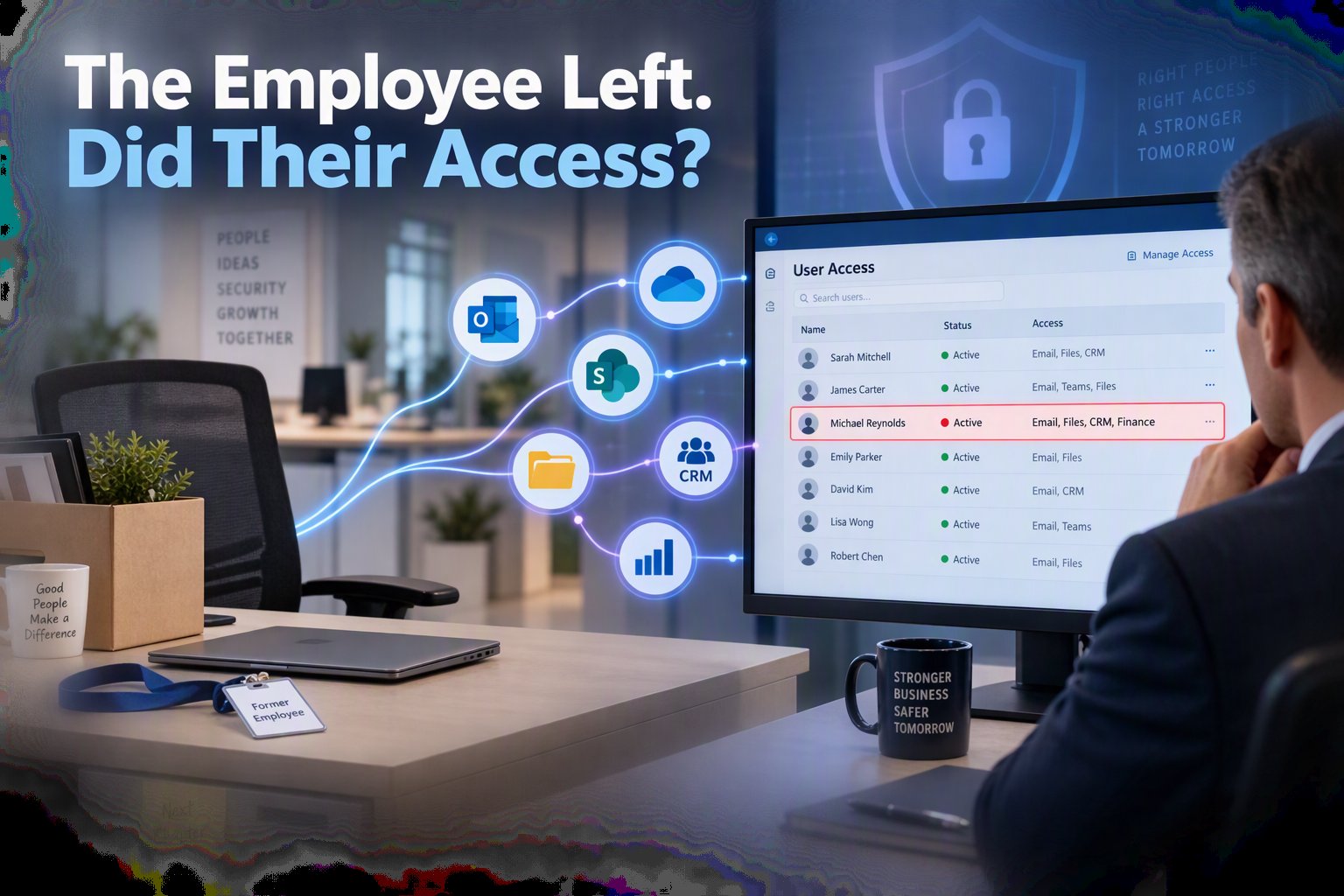
 When an employee leaves your company, there is usually a familiar checklist. Their final paycheck is processed, company equipment is returned, and responsibilities are reassigned.
But one important question can linger long after their last day:
Can they still access your company’s information?
Former employees do not have to be malicious to create risk. An old account may remain connected to email, shared files, customer records, financial systems, or third-party applications. Sometimes these accounts stay active because no one realizes they exist. Other times, a password was changed, but access to connected applications was never removed.
Like the forgotten decorations tucked into the back of a closet every fall, outdated accounts are easy to overlook. Unfortunately, attackers actively search for forgotten access points.
Offboarding Is More Than Collecting a Laptop
Returning a device does not automatically remove digital access.
Employees may have used company credentials to sign in to applications that leadership or IT does not regularly monitor. They may have downloaded files to a personal device, created automatic email forwarding rules, or received access to shared folders that were never included in the offboarding process.
These gaps become more common as a company grows. New applications are introduced, departments develop their own workflows, and account ownership becomes unclear. Over time, leaders may no longer have a complete picture of who can access what.
The result is an environment filled with digital doors, some of which may still be unlocked.
Why This Matters to Business Leaders
Inactive accounts are not simply an IT housekeeping issue. They can create real operational and financial consequences.
If a former employee’s credentials are compromised, an attacker may be able to access company information without immediately attracting attention. Because the account once belonged to a legitimate user, suspicious activity can look like normal business activity.
Lingering access can also create challenges during security reviews, customer audits, insurance renewals, or compliance assessments. A company may believe it has strong controls in place, only to discover that its user list does not match its current employee list.
That is not the kind of surprise a CEO wants during an important customer conversation.
Create a Repeatable Offboarding Process
A dependable offboarding process should answer four questions:
- Which company accounts did the employee use?
- Which files, inboxes, and applications could they access?
- Who will take ownership of their information and responsibilities?
- How will the company verify that access was removed?
The process should involve more than one department. Human resources knows when an employee is leaving. Department leaders understand the employee’s responsibilities. Technology teams can remove access, preserve necessary business information, and review connected applications.
Timing also matters. Access should be adjusted at the appropriate point in the employee’s departure, not days or weeks later.
Close the Doors You Are No Longer Using
October is a fitting time to look for hidden cybersecurity risks, but inactive accounts should not be treated like a seasonal concern.
Review your active user list regularly. Compare it with current employee records. Confirm that shared accounts have clear owners. Look for automatic forwarding rules, unused applications, and accounts that have not been accessed recently.
The goal is not to distrust former employees. It is to protect the organization by making access intentional.
When you know who has access to your systems, what they can reach, and why they need it, your business becomes easier to manage and harder to disrupt.

